
AISLPC Firmware & System Download Center AISLPC Downloads
Find official and community firmware, operating systems, app packages, tools, and release notes for AISLPC handheld consoles. Choose your device and verify compatibility before downloading.
Choose your device to find firmware, app packages, tools, guides, and version history.
Search results
No matching devices, systems, or versions were found.
Device
R36T
ArkOS
Custom Linux firmware package based on Debian Trixie for AISLPC devices.
20260706
AURKNIX
AURKNIX is a community Linux distribution for handheld gaming devices, maintained as a fork of ROCKNIX.
20260710
No systems match the selected filters.
Device
R36T MAX
EmuELEC 4.7
20260324_EMMC
UnofficialOS (UOS)
UnofficialOS now supports RG ARC S/D, R36T, and R36T Max, with updated emulators, BigPEmu, and the latest PortMaster beta.
AURKNIX
AURKNIX is a community Linux distribution for handheld gaming devices, maintained as a fork of ROCKNIX.
20260710
ArkOS
Custom Linux firmware package based on Debian Trixie for AISLPC devices.
20260706
No systems match the selected filters.
Device
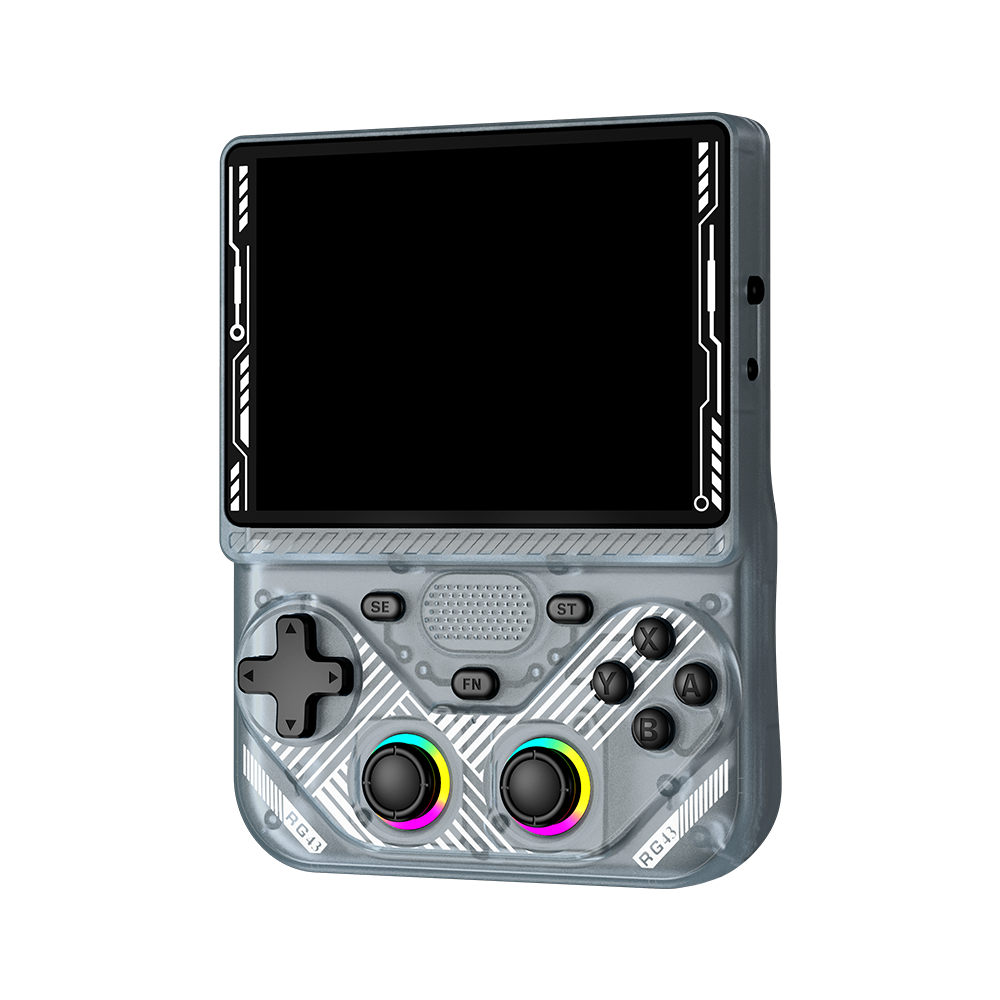
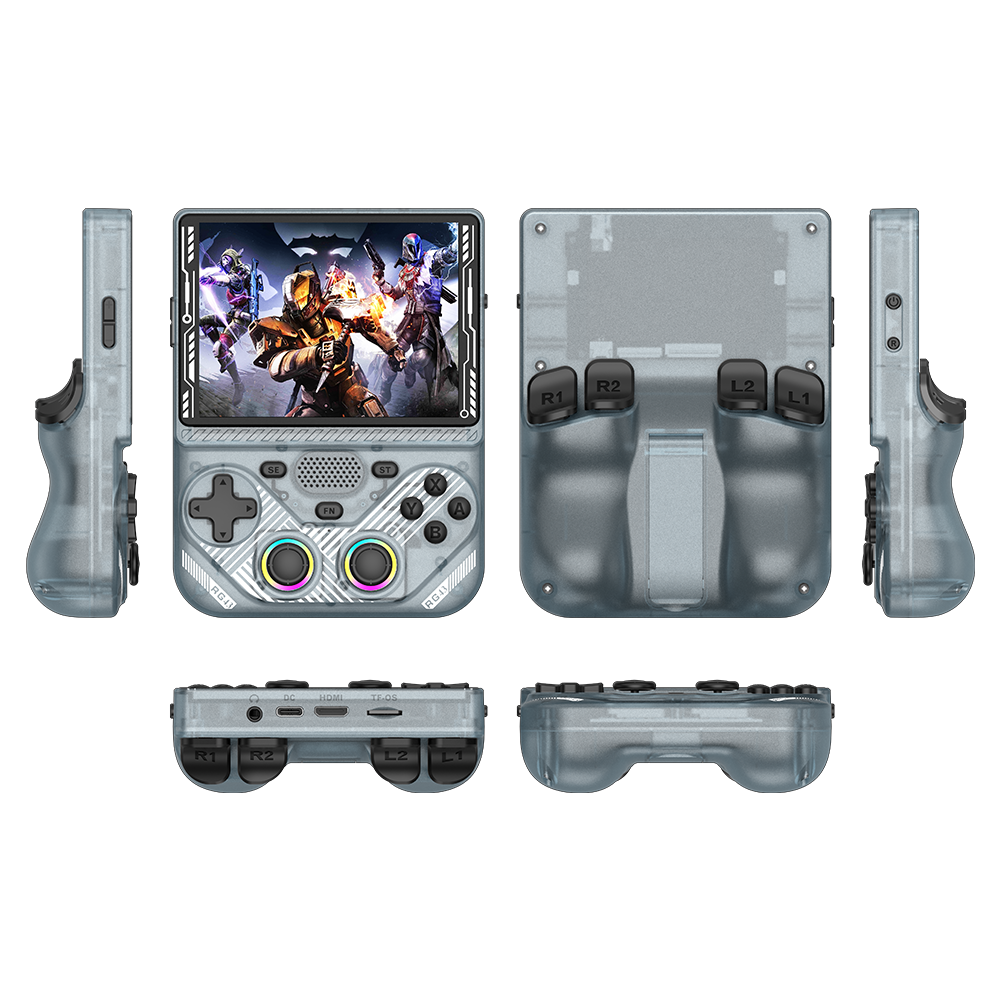
RG43H PRO
EmuELEC 4.7
20260723_EMMC
Release Notes
EmuELEC 4.7 App Package
Designed for the official AISLPC EmuELEC 4.7 system, this app package enables supported apps to run directly on compatible handheld consoles. Please install it only on devices using the official AISLPC EmuELEC 4.7 system.

APP_20260716
Release Notes
AURKNIX
AURKNIX is a community Linux distribution for handheld gaming devices, maintained as a fork of ROCKNIX.
20260710
dArkOS
Custom Linux firmware package based on Debian Trixie for AISLPC devices.
No systems match the selected filters.
Device
RG43V PRO
EmuELEC 4.7
20260723_EMMC
Release Notes
EmuELEC 4.7 App Package
Designed for the official AISLPC EmuELEC 4.7 system, this app package enables supported apps to run directly on compatible handheld consoles. Please install it only on devices using the official AISLPC EmuELEC 4.7 system.
APP_20260716
Release Notes
dArkOS
Custom Linux firmware package based on Debian Trixie for AISLPC devices.
AURKNIX
AURKNIX is a community Linux distribution for handheld gaming devices, maintained as a fork of ROCKNIX.
20260710
No systems match the selected filters.
Device
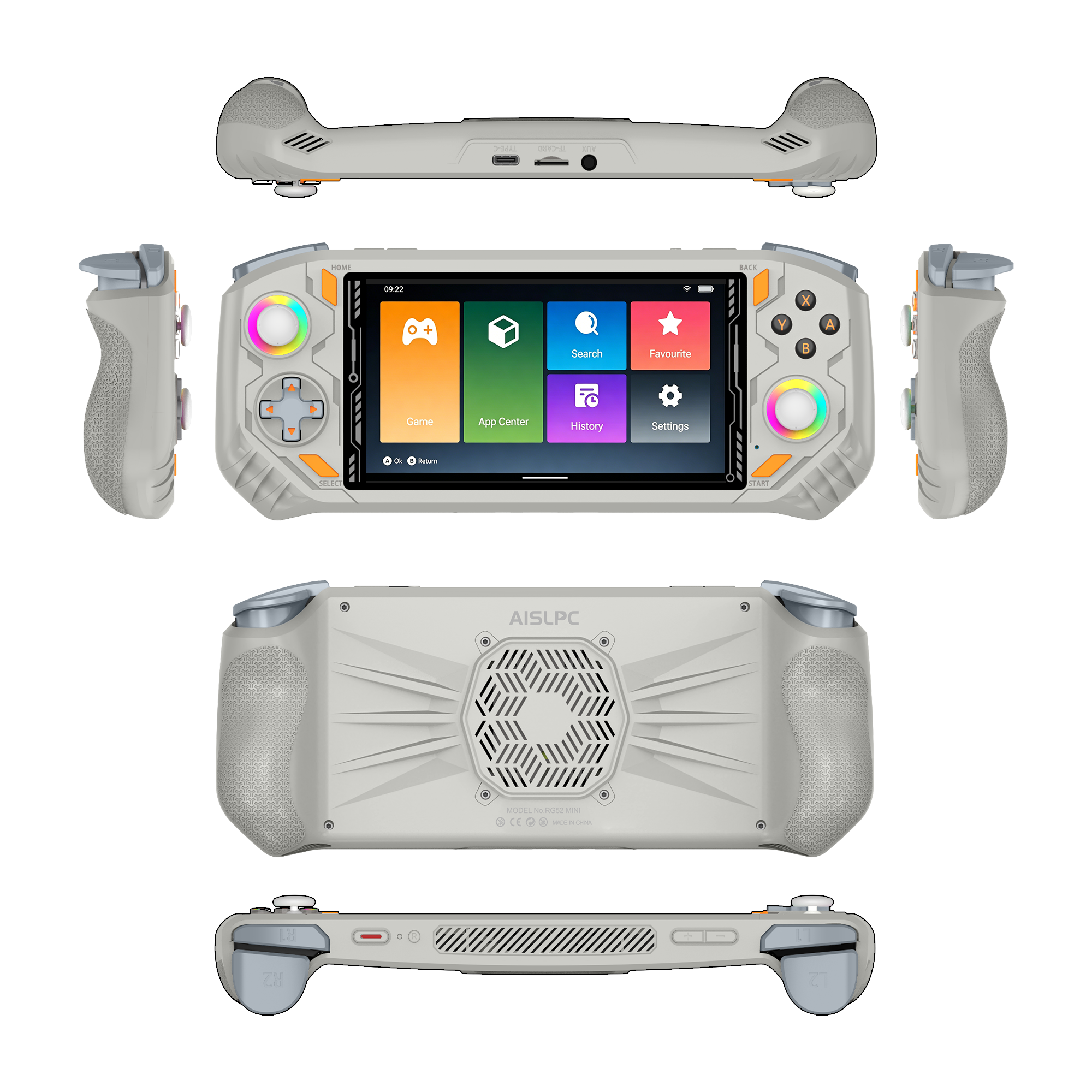
RG52 MINI
EmuELEC 4.7
20260704_EMMC
Release Notes
EmuELEC 4.7 App Package
Designed for the official AISLPC EmuELEC 4.7 system, this app package enables supported apps to run directly on compatible handheld consoles. Please install it only on devices using the official AISLPC EmuELEC 4.7 system.
APP_20260716
Release Notes
SyachOS
SyachOS is a third-party Android 13 community operating system developed for the RG52 MINI, featuring full physical button controls, a virtual mouse, and support for multiple Android emulators.
V1.0.317
AURKNIX
AURKNIX is a community Linux distribution for handheld gaming devices, maintained as a fork of ROCKNIX.
20260710
AisRock
Supports Select Sixth-Generation Console Games.
20260507_EMMC
dArkOS
Custom Linux firmware package based on Debian Trixie for AISLPC devices.
No systems match the selected filters.
Device
RG52 Pro Max
RG52 Pro Max Firmware
20260311
Release Notes
Drivers & Firmware Tool Package
Official tool package for RG52 Pro Max, including the required device drivers and firmware flashing tool for Windows.
Release Notes
No systems match the selected filters.
Device
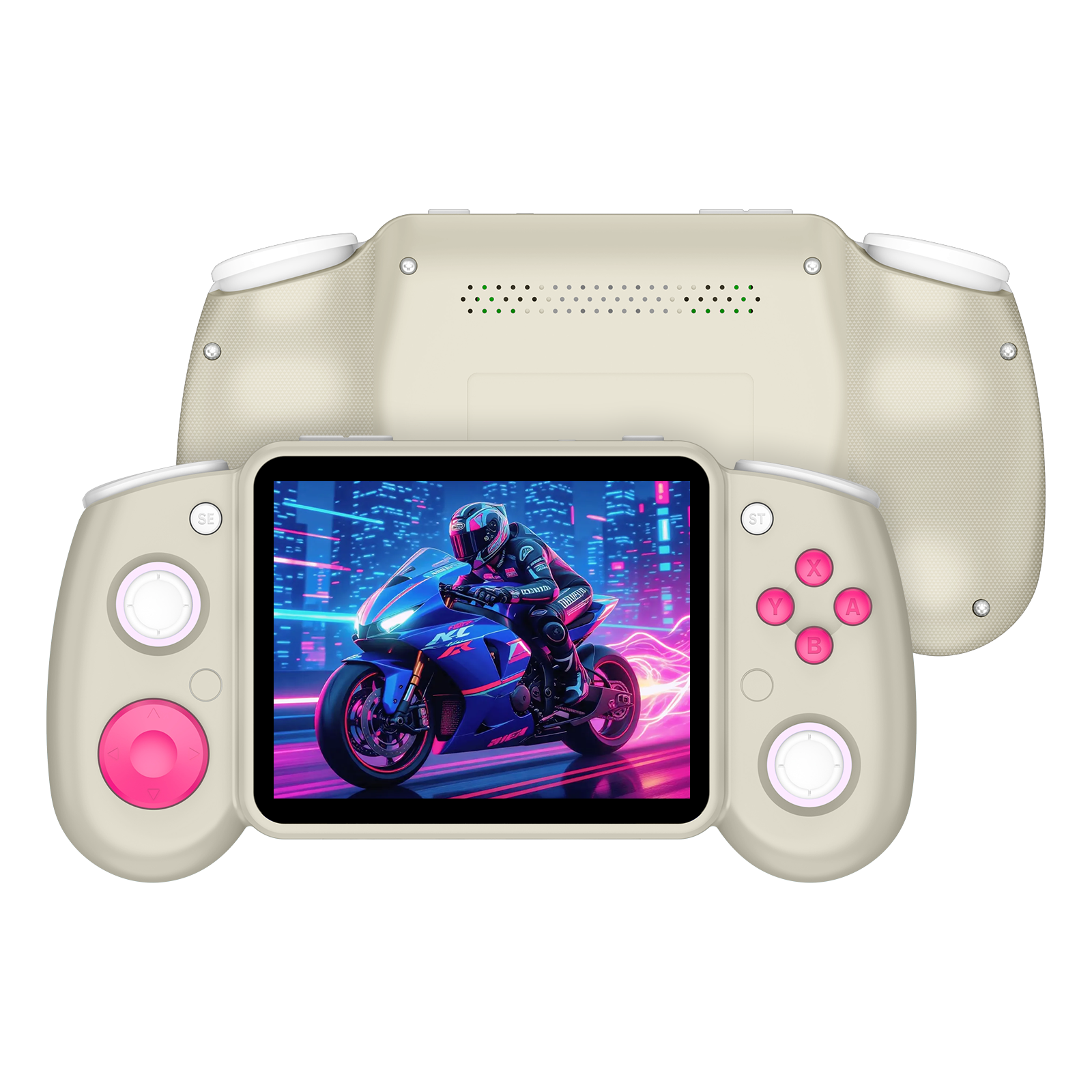
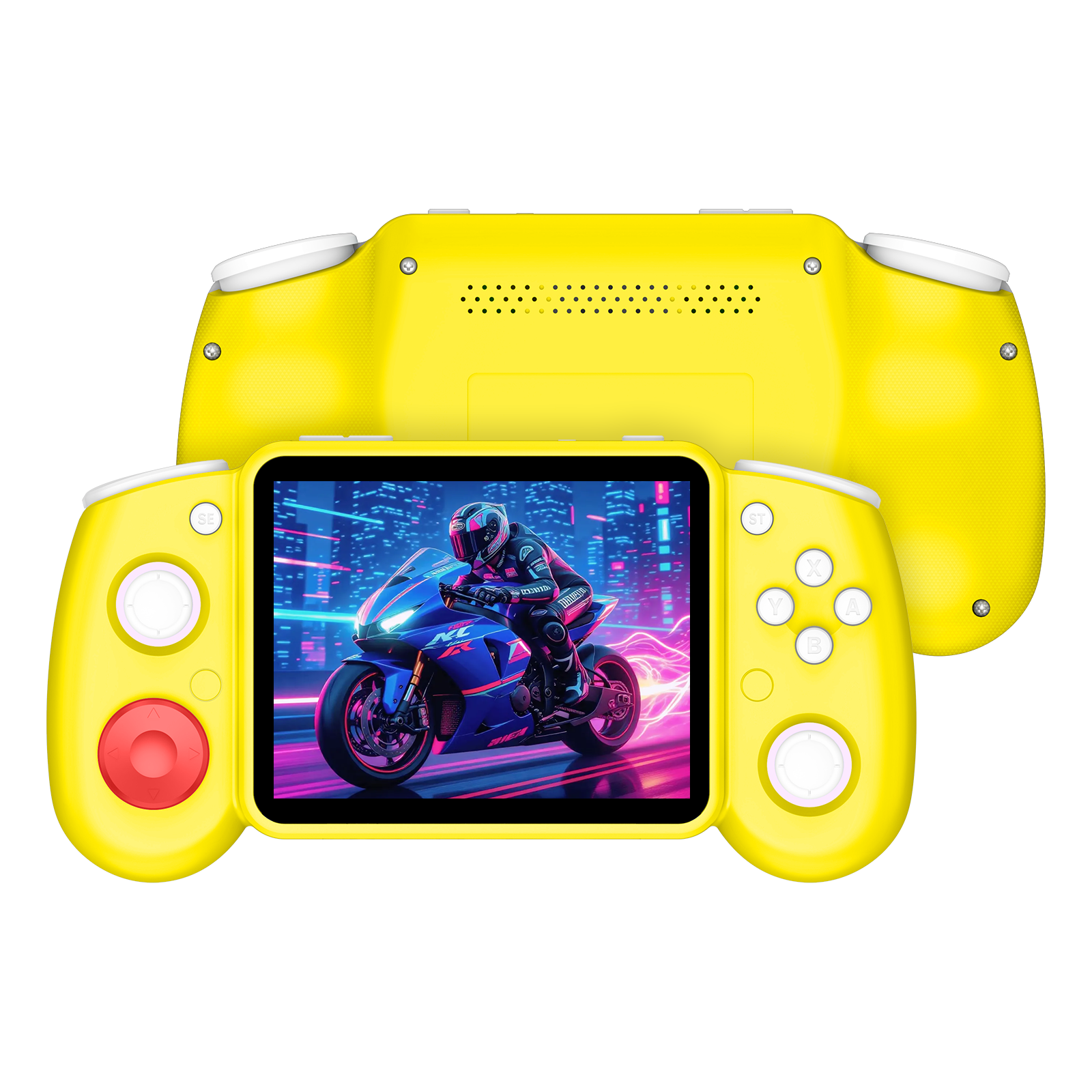
RGPad02
RGPad02 Two-Player Setup Guide
Learn how to connect two RGPad02 wireless controllers to a compatible AISLPC handheld console for two-player gaming on a TV or larger screen.
2026-07-31
No systems match the selected filters.
Handheld Console Guides
How to Flash the AISLPC RG52 PRO MAX Firmware
This guide briefly explains how to flash the AISLPC RG52 PRO MAX firmware, including selecting the firmware file, opening the ResearchDownload tool, connecting the device, and waiting for the process to finish. When the tool shows Finish and Passed, the firmware flashing is successful.
Weiterlesenüber How to Flash the AISLPC RG52 PRO MAX Firmware
How to Use AISLPC EE4.7 Hotkeys
Learn the essential AISLPC EE4.7 hotkeys for exiting games, managing save states, taking screenshots, displaying FPS, and controlling game speed.
How to Set Up Two RGPad02 Controllers on an AISLPC Handheld
Learn how to connect and configure two wireless controllers on an AISLPC handheld console. Follow the controller settings to assign Player 1 and Player 2, then start enjoying supported two-player games with friends or family.
Weiterlesenüber How to Set Up Two RGPad02 Controllers on an AISLPC Handheld
More Support
DISCORD COMMUNITY
Join Our DISCORDShare tips, mods, and retro gaming memories with fellow enthusiasts.
FAQs
Where is the PSP cheat (cheats) directory in the EE system?
Place your PSP cheat files in the following path:
/storage/roms/savestates/PPSSPPSDL/PSP/Cheats
Have more questions?
If you still have any unresolved questions, please feel free to contact us through the FAQ page.
New Arrivals